Agent operating system
RAIOT Agentic Agent operating system
Turn reports into reviewed action.
An Android workspace that turns your request or document into a reviewable plan, then connects it to specific tools to carry out what you approve. A local model on the device analyses requests, documents and images and proposes tasks — each quoting its source. Nothing runs without your explicit approval, and the result is verified in Bayan.
- 100%
- on-device analysis
- 3
- document types: PDF · DOCX · images
- 1
- human approval per task
How it works
Step by step — you stay in control
- 01
Create the project
A clear context for every action.
- 02
Add the site report
One source of truth.
- 03
Analyse the report
The local model extracts proposed actions.
- 04
Review the evidence
Read each proposal and check its source.
- 05
Approve explicitly
Your project, your approval.
- 06
Tasks saved & linked
To the project and the source document.
User guide
From first launch to your first approved task
- 01Set up your workspace
Under “Model”, import a compatible text model and select it; under “Projects”, create a local project for your documents and tasks.
- 02Import a document and check the text
PDF, Word (DOCX) and images: review the extracted text before analysis, then review each proposal with the quote it relies on.
- 03Understand images directly
Pick the vision model, add a photo and a specific question. Observations are reviewed before becoming tasks, and the original image is never uploaded to Bayan.
- 04Connect Bayan and pick the project
Open “Bayan platform & local agent”, sign in and choose the right Bayan project; the connection can be stored encrypted on your device.
- 05Write the full request
Inside a Bayan project choose “Local agent · Propose a plan”, then “Generate plan locally”, and compare the tasks with your original request.
- 06Approval covers one task
Check the title, description and project in the preview. “I approve this change” allows only the change shown.
- 07Wait for Bayan to verify
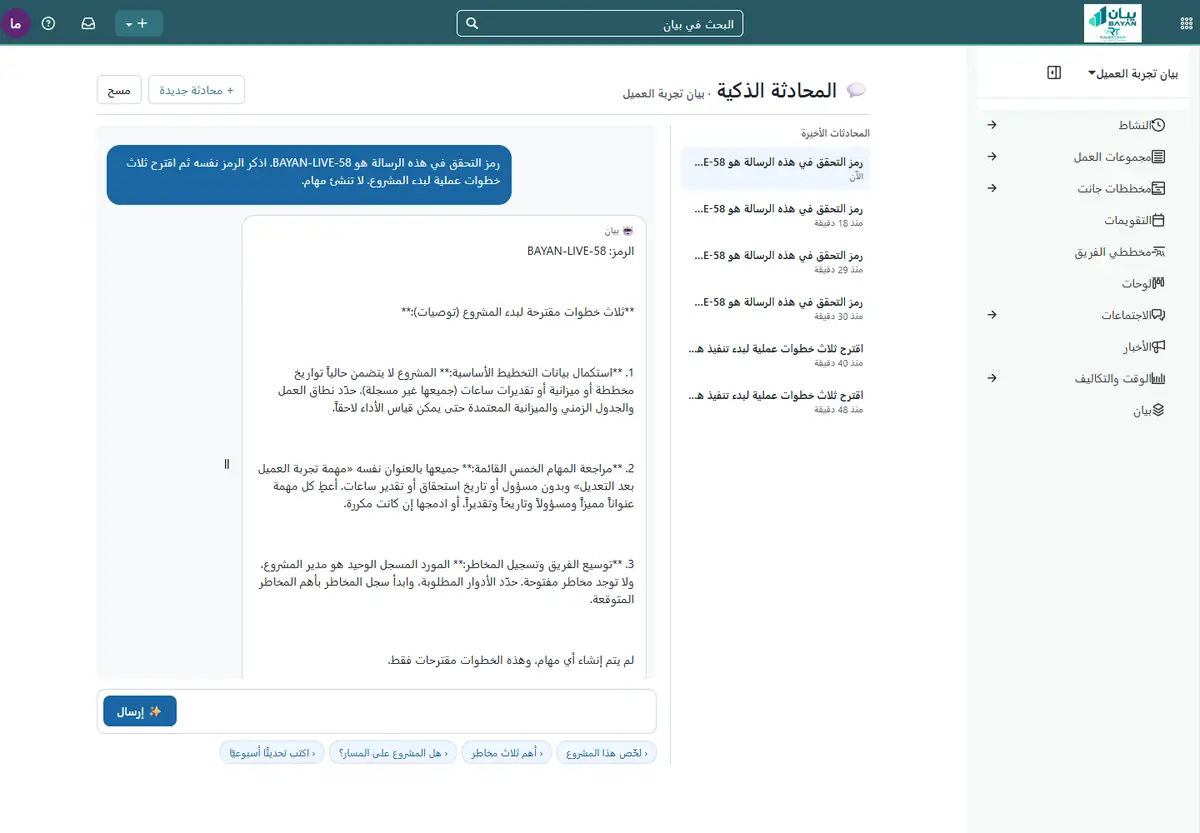
After approval the app sends the change and reads the result back from Bayan: “Executed and verified”, with the task number.
- 08Start small and stay in charge
Try a practice project: generate a short plan, try cancelling, then approve one task and verify its result.
Capabilities
What RAIOT Agentic does
Document understanding
PDF, Word and images, with Arabic and English OCR.
Image understanding
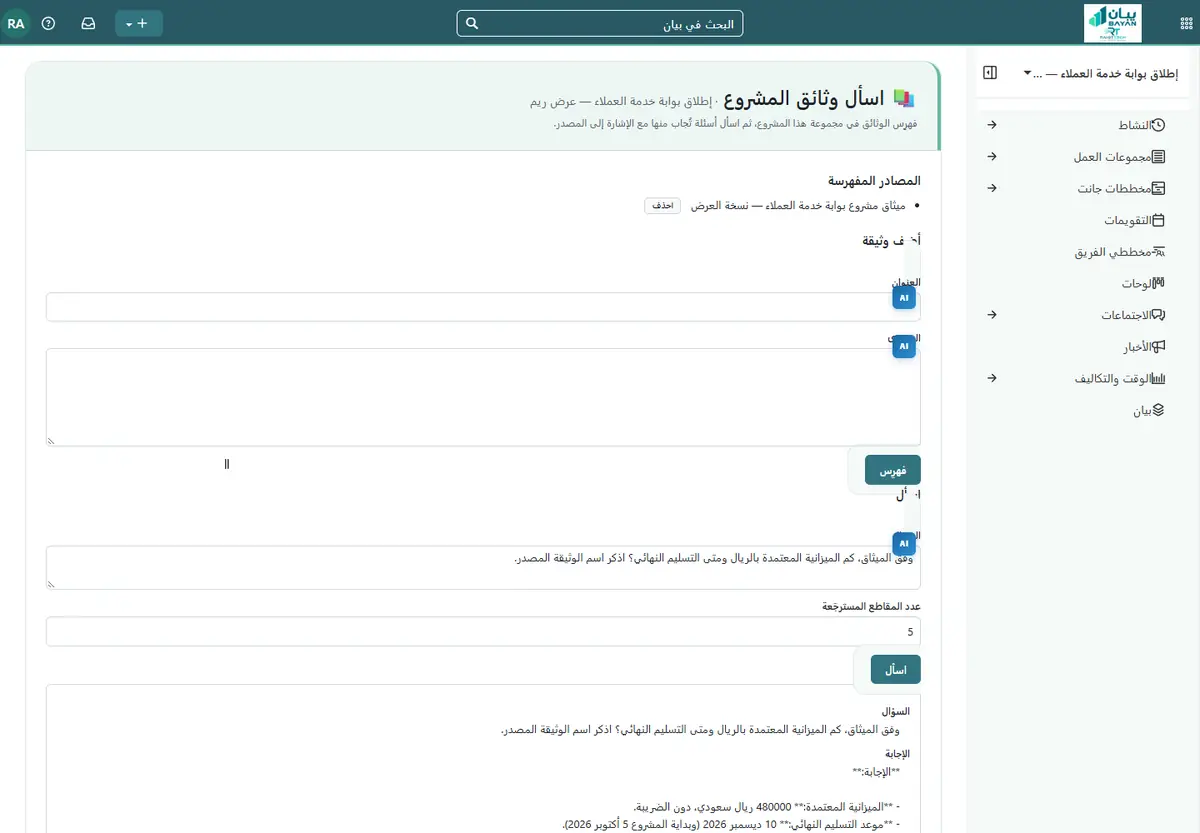
A local vision model answers a specific question about a photo.
Bayan integration
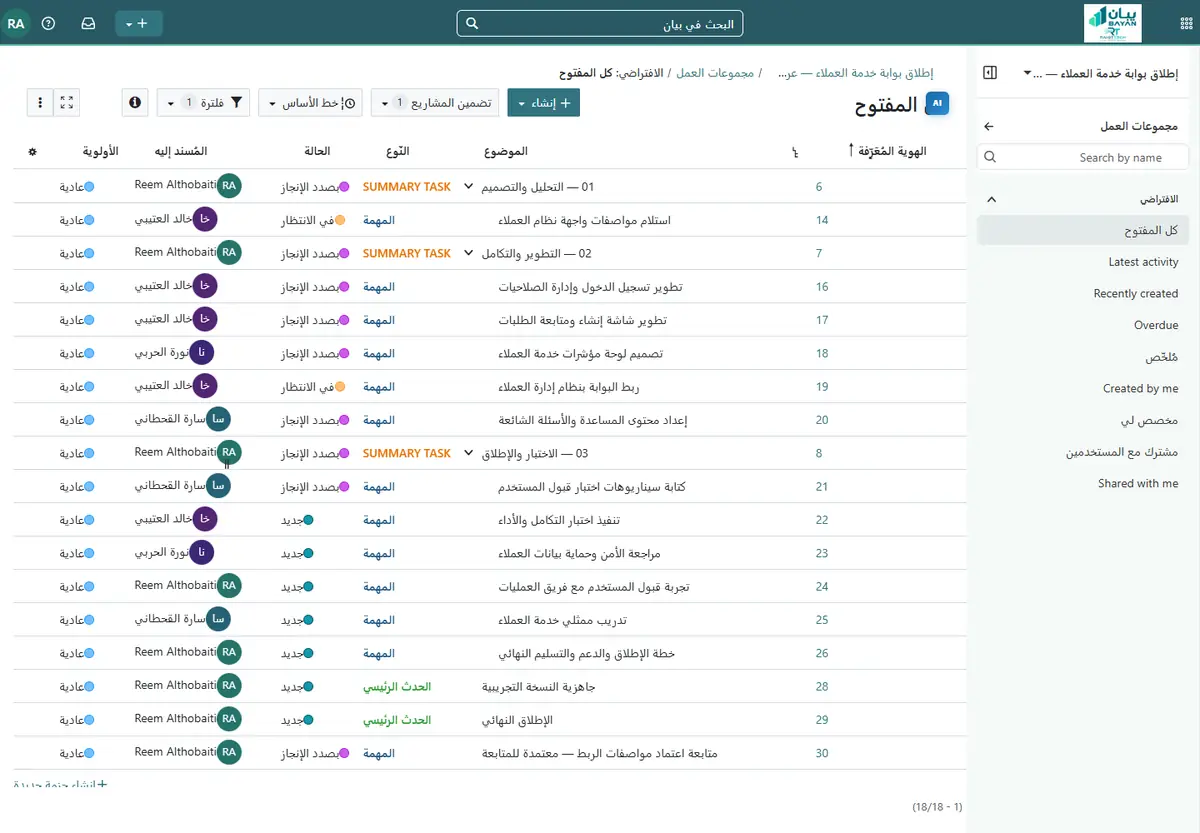
Reads projects and tasks, executes the approved change, then verifies it.
Least-privilege tools
Every agent gets only the permissions it needs.
Human approval
Required before any sensitive action.
Full audit trail
Every step is recorded.
Hard limits & rollback
Guardrails you can rely on.
Alert & case follow-up
Until each case is closed.
Customer enquiries
Answered from your documents and policies.
Request triage
Sorted and routed to the right team.
Drafting
Reports, emails and correspondence prepared for review.
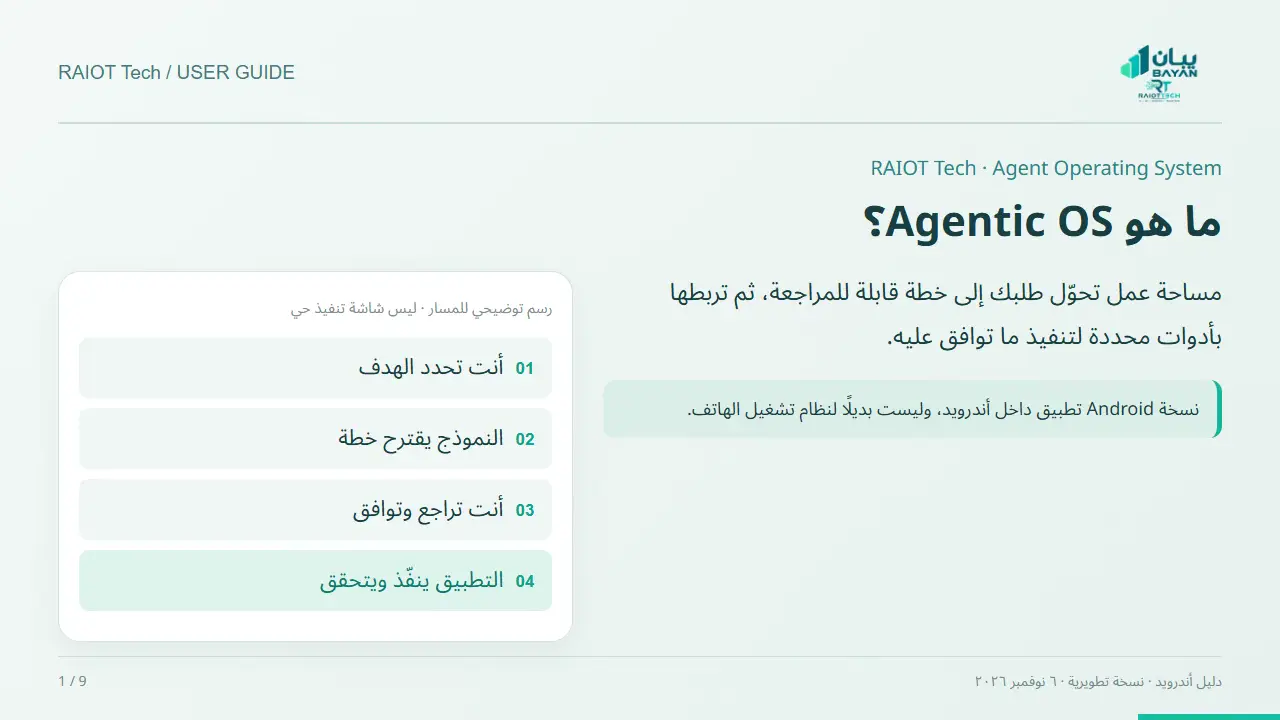
What is Agentic OS?
A workspace that turns your request into a reviewable plan, then connects it to specific tools to carry out what you approve: you set the goal, the model proposes a plan, you review and approve, and the app executes and verifies. The Android edition is an app inside Android — not a replacement for the phone’s operating system.
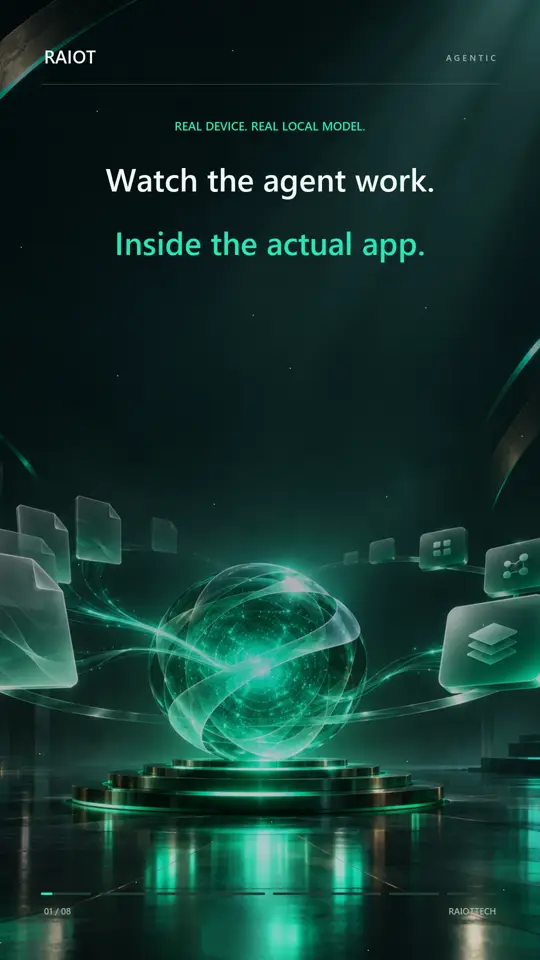
Watch the agent work — inside the actual app
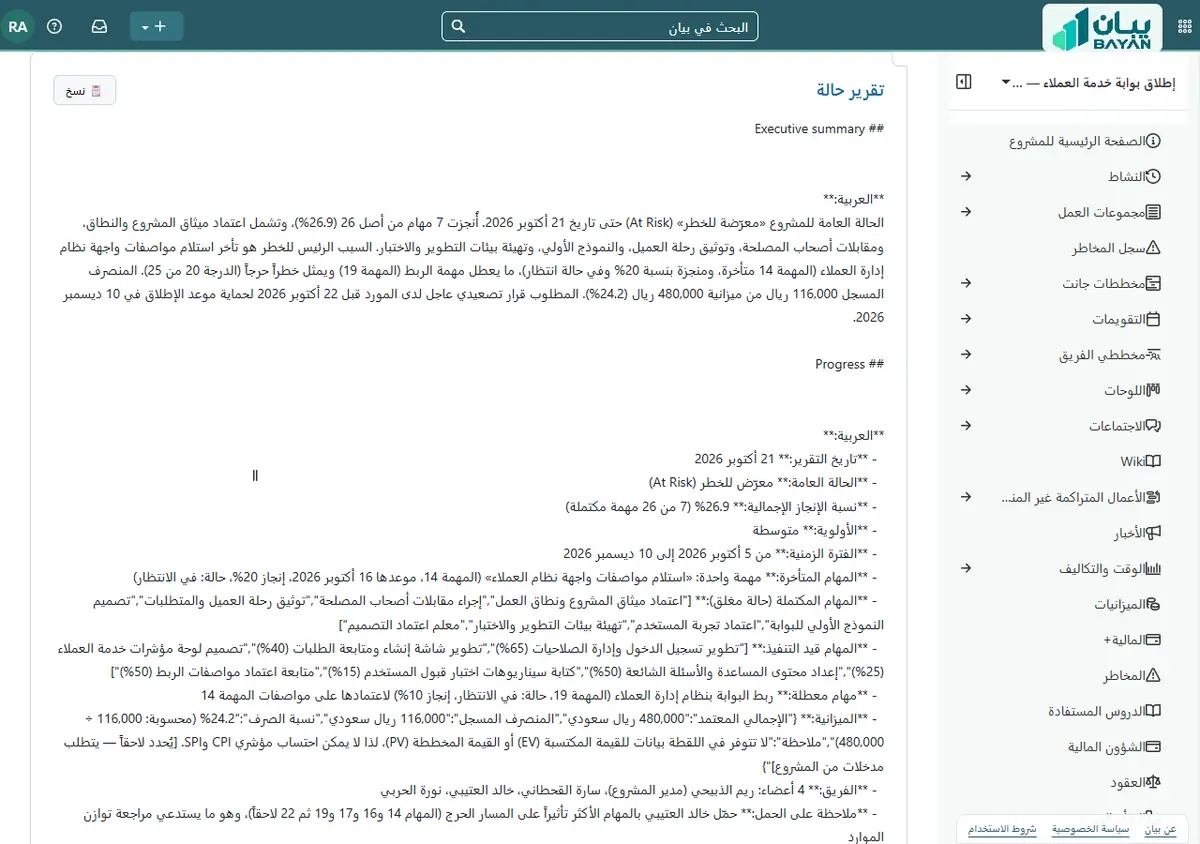
Real device, real local model. In this film a construction-site project is created and a site report is added (rebar inspection, updated drawings, daily report). The local model analyses it and proposes three tasks, each quoting its source. Nothing is saved before explicit approval; then the tasks are linked to the project and the source document.
Built-in controls
Least-privilege tools for every agent, human approval before any sensitive action, a full audit trail of every step, and hard limits with rollback.
Want to see RAIOT Agentic on your own data? We’ll prepare a private demo for your team.
Contact us